
Will not chargeUpdated 9 months ago
The most common issue:
Julekula must be charged with the included charging cable — not with your phone charger, even if the connectors look the same.
If you try to charge it using your phone charger (a charging brick with a USB-C output), it won’t charge. You need to use a standard USB-A to USB-C cable (the one that comes in the box) together with a USB-A charging brick (like in the picture below).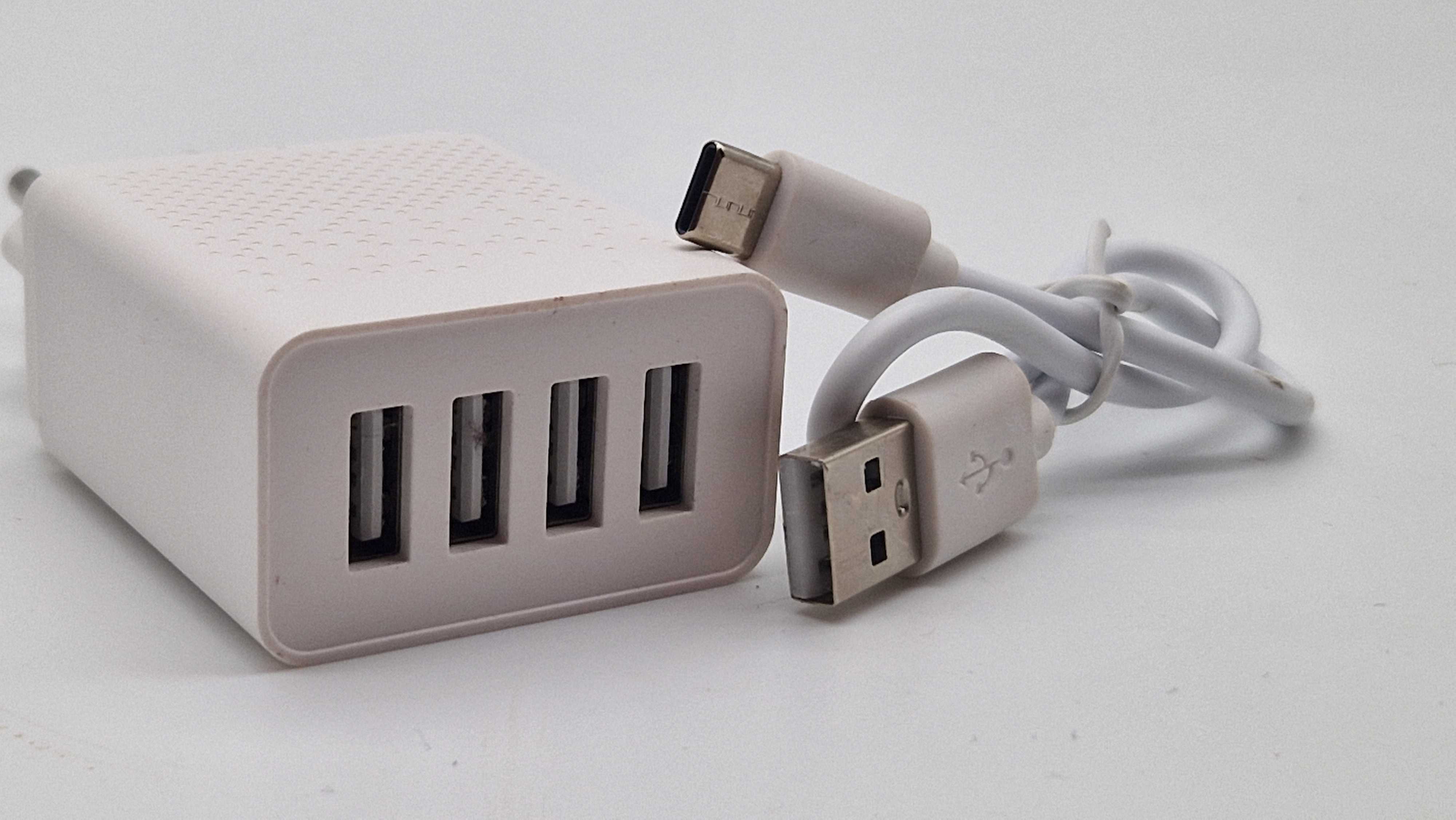
Why:
Modern phone chargers can supply very high power (typically 20–45W). That’s far too much for the small battery inside the Sphere.
The Sphere shows a red light while charging, which changes to green when fully charged
(on older models with micro-USB, the red light simply turns off when fully charged).
Charging takes about 30 minutes.
Tip:
Don’t have a charging brick? The Sphere needs so little power that any USB-A port will work — for example from a laptop or even your Wi-Fi router.